
Free
Enough to get organized.
$0.00/ no subscription
- 3 receipt scans to try
- Shared expenses, messages, and calendar
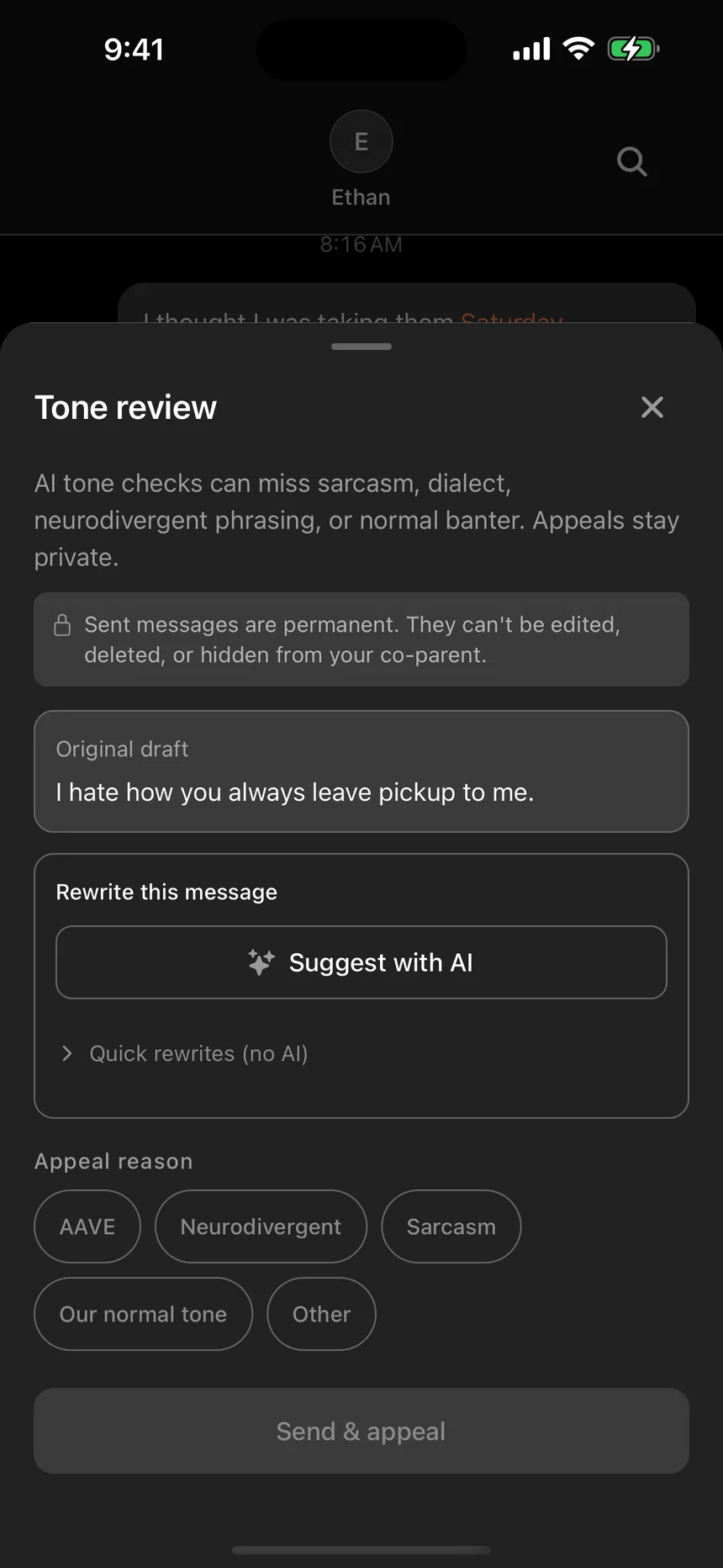
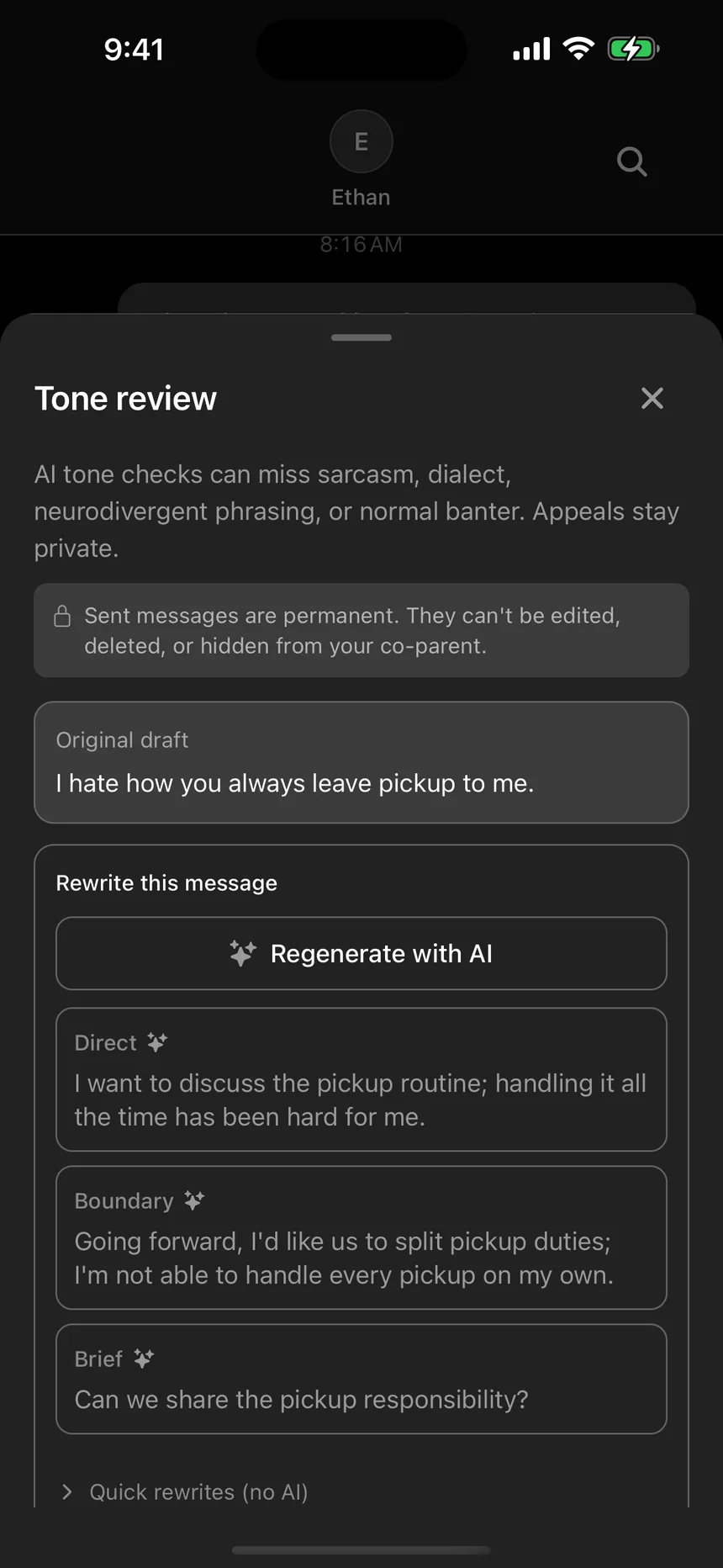
- Tone review and Ask milinn included
- Invite your co-parent when you are ready
Made for co-parenting
Shared expenses, messages, and schedules for co-parents, with less to chase.
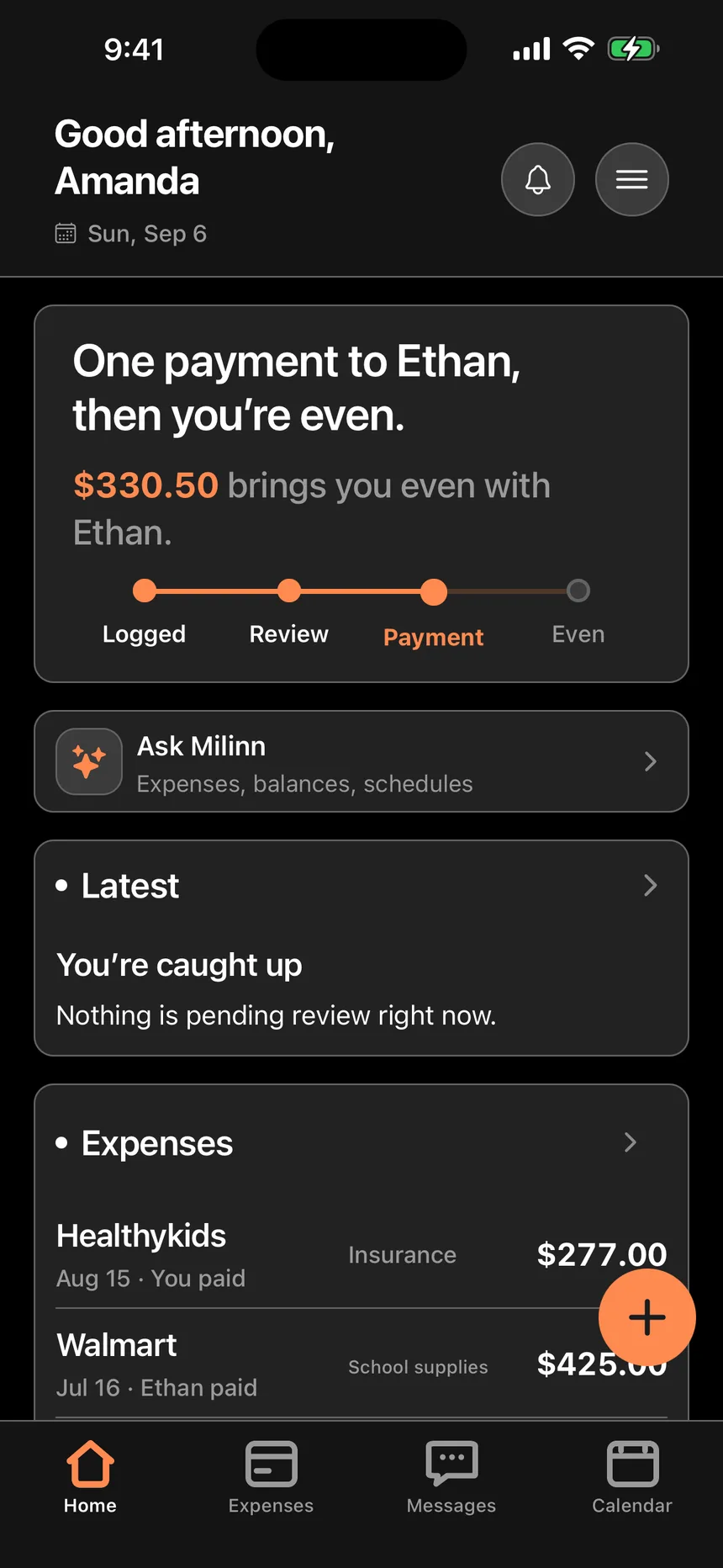
Real app screens. Example family.
Receipts, without the pile-up
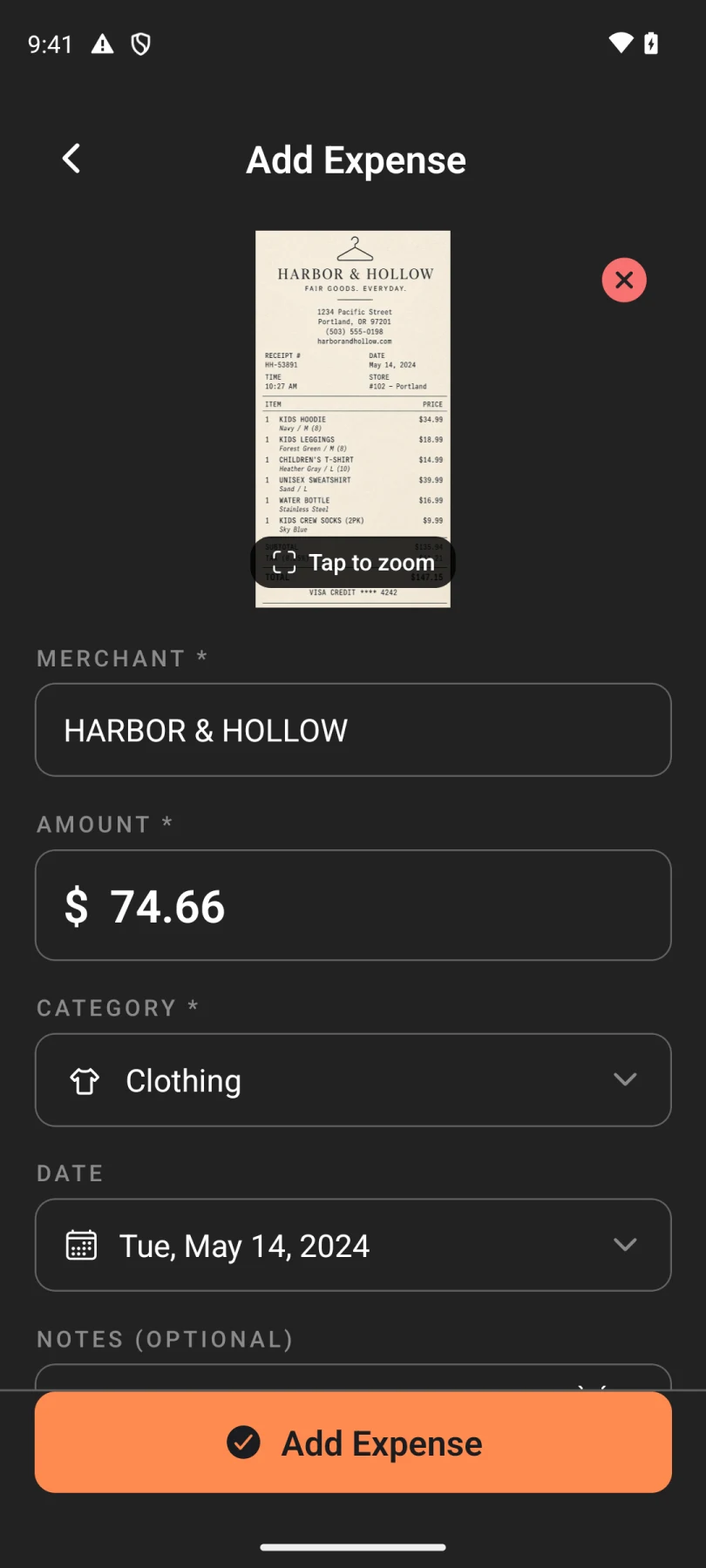
Scan it. milinn drafts the merchant, total, date, and category. You choose the line items, check the draft, and share it for review.
You review before anything is added.
Email receipts can become expense drafts with milinn Pro. Review the details before adding them.
The everyday record
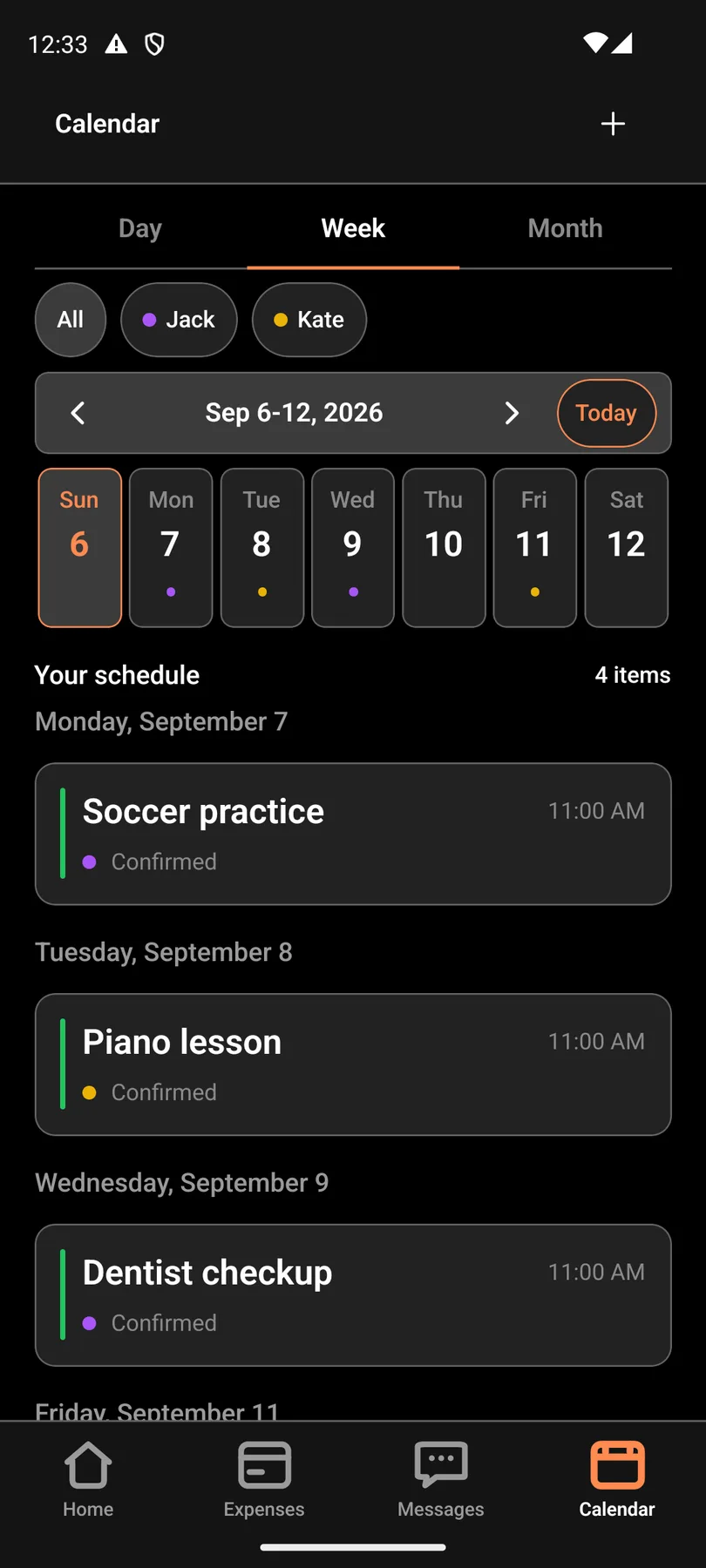
Keep a shared schedule and the details around it in one place, so handoffs have a little less guesswork.
Pro, when you need it
More of the details, taken care of. From recurring expenses to reports you can keep.
Free
$0.00/ no subscription
Pro · per parent
$89.99billed yearly
That’s $7.50 a month per parent.
Or $9.99 monthly. Upgrade inside the app; your co-parent can stay Free.
The store may still list $4.99 until the new price is live.
Eligible new subscribers can get a 7-day free trial on the annual plan. The app confirms eligibility and renewal terms before purchase.
What changes with Pro
Free includes 3 successful receipt scans, one time per account. Free receipt scans do not reset. Ask milinn, tone rewrites, and Pro receipt scans use rolling 30-day windows.
| Included | Free | Pro |
|---|---|---|
| Receipt scans | 3 one time | 50 / 30 days |
| Ask milinn questions | 15 / 30 days | 200 / 30 days |
| Tone rewrites | 10 / 30 days | 100 / 30 days |
| Recurring expenses | 1 | Unlimited |
| Report date range | Last 30 days | Up to 12 months |
Records are kept on both plans.
Questions, answered
milinn has a Free plan and milinn Pro. Free (forever): Log expenses by hand. 50/50 splits. 3 successful AI receipt scans once per account. 30 days in reports; older records remain accessible. milinn Pro (intended US price: $9.99/mo · $89.99/yr per person; store verification pending): 50 successful AI receipt scans per rolling 30 days. Custom split percentages. Report ranges up to 12 months; older records remain accessible. PDF exports with receipts. Ask milinn. Eligible annual purchases may include a seven-day trial when the store confirms eligibility. Monthly purchases do not include an annual-trial promise. milinn Pro follows the person who subscribed, not the whole household. Your co-parent can stay on Free.
Read the walkthroughOne of you starts the shared space in the app and gets an invite code. The other parent opens milinn and joins with that code. If the invite never shows up or the code does not work, reply to this thread and we will help. Please do not share passwords.
Read the walkthroughAdd an expense by typing it in or scanning a receipt. It stays pending until both of you approve. If you disagree, use the comment thread on that expense instead of texting about it. milinn works on iPhone and Android. Changes sync between phones.
Read the walkthroughSnap a receipt and milinn suggests the store, amount, and date for you to review. Free includes 3 successful AI receipt scans once per account. milinn Pro includes 50 successful AI receipt scans per rolling 30 days. Sometimes an expense saves without the photo attached. If that happens, open the expense and reattach the receipt.
Read the walkthroughPro is billed through the App Store or Google Play account that bought the subscription. Manage or cancel it there. We cannot change Apple or Google charges from this inbox. If something looks wrong with billing, tell us which store you used and we will point you to the right next step.
Read the walkthroughReady when you are
Download ParentSplit and start with the Free plan. Pro upgrades happen in the app.
Listed as ParentSplit in the stores while the name changes. Same account, same records.